Quick help
GeoGuessr Help — Quick Answers for New Players
GeoGuessr help for beginners and improvers. Fix common mistakes, learn what to look for, and train faster with KnowYourGeo.
5 min read · · Updated
Looking for GeoGuessr help usually means one of three things: you want to understand how the game works, you keep scoring badly, or you want a faster way to improve. This page covers all three.
# How GeoGuessr works (in plain English)
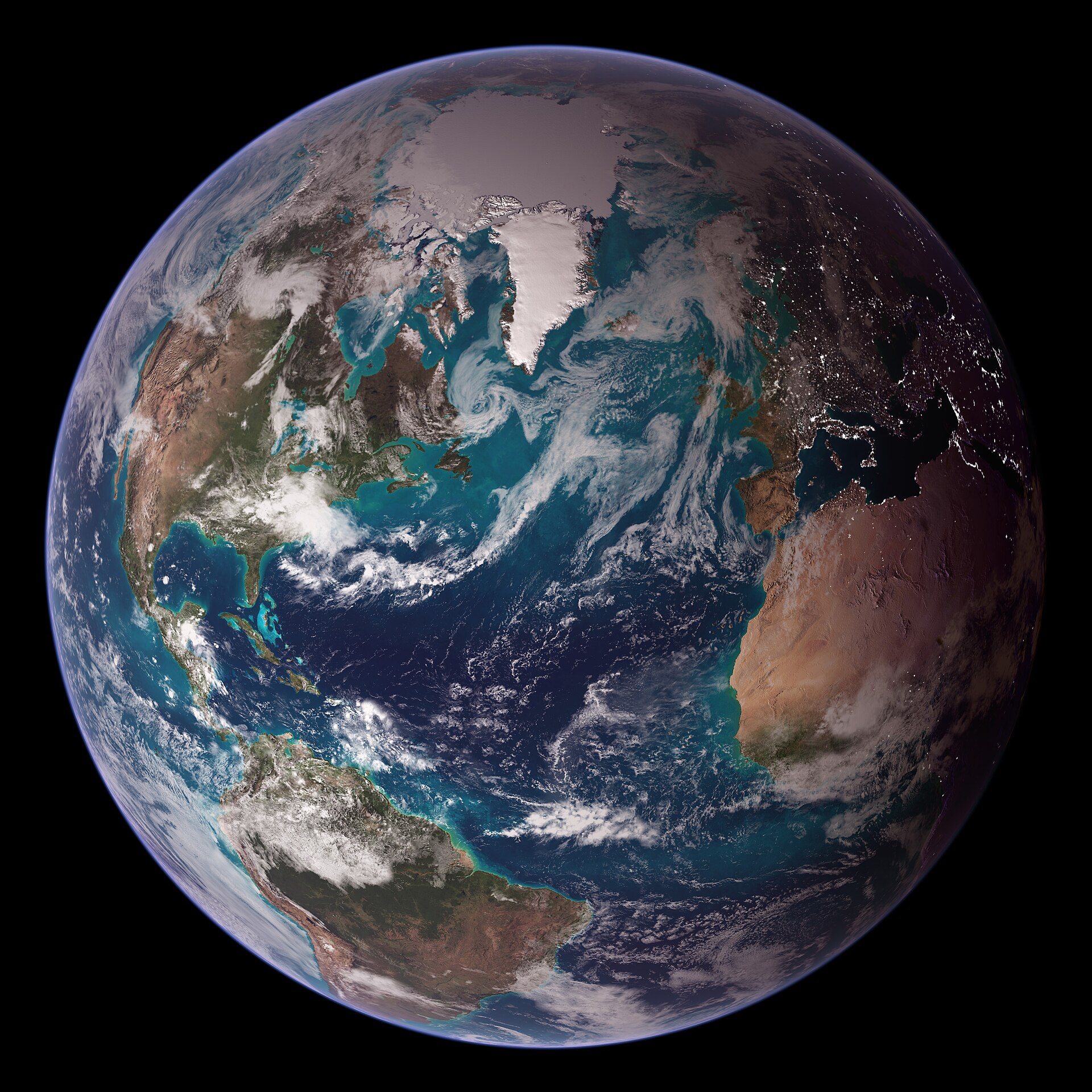
You are dropped into a Google Street View location somewhere on Earth. Your job is to figure out where you are and pin that location on a world map. The closer your guess, the more points you earn.
Strong players do not rely on luck. They read clues in the scene and compare them to regional meta they have practiced before.
# The fastest GeoGuessr help checklist
When you spawn, run this 20-second scan:
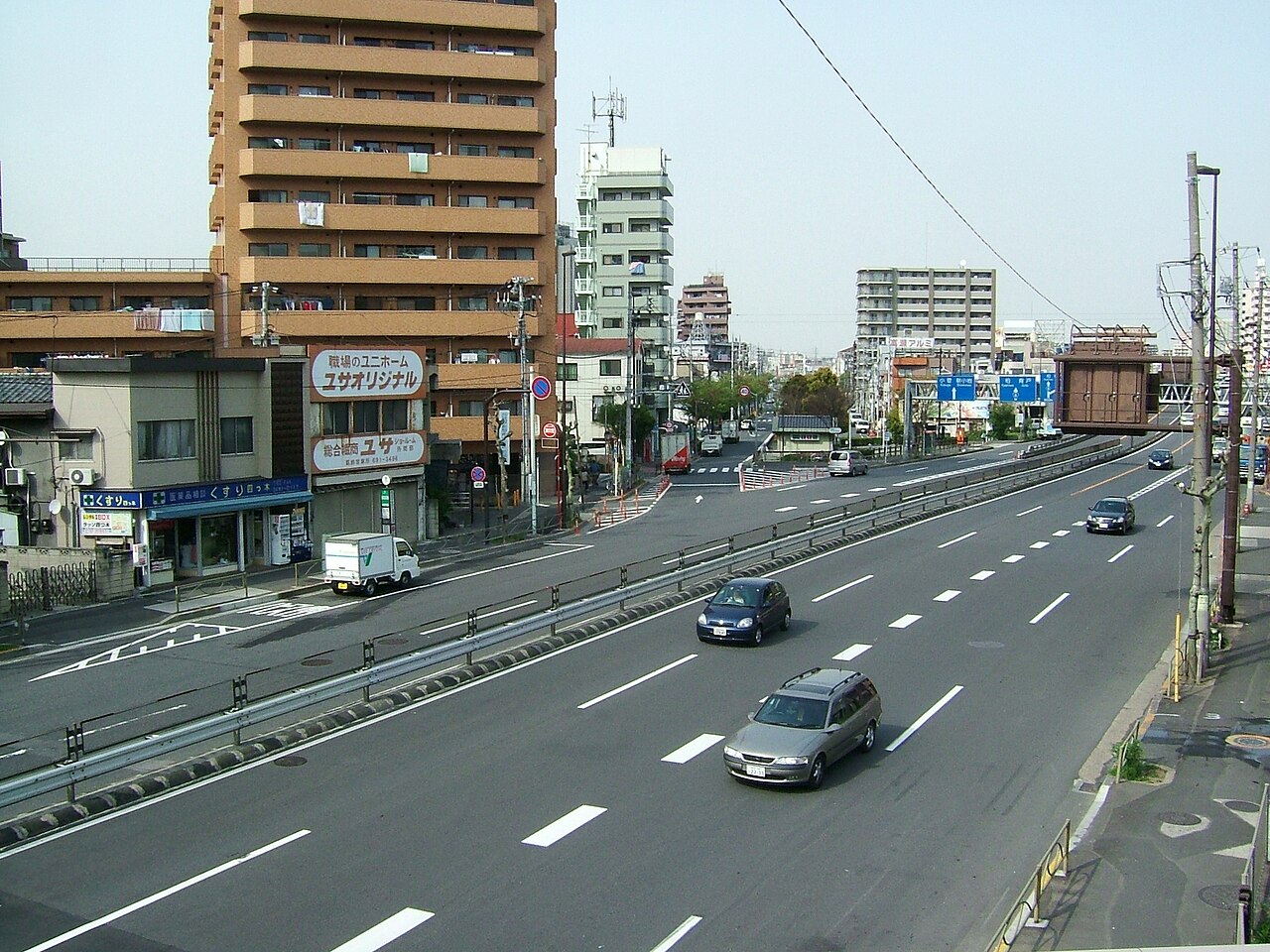
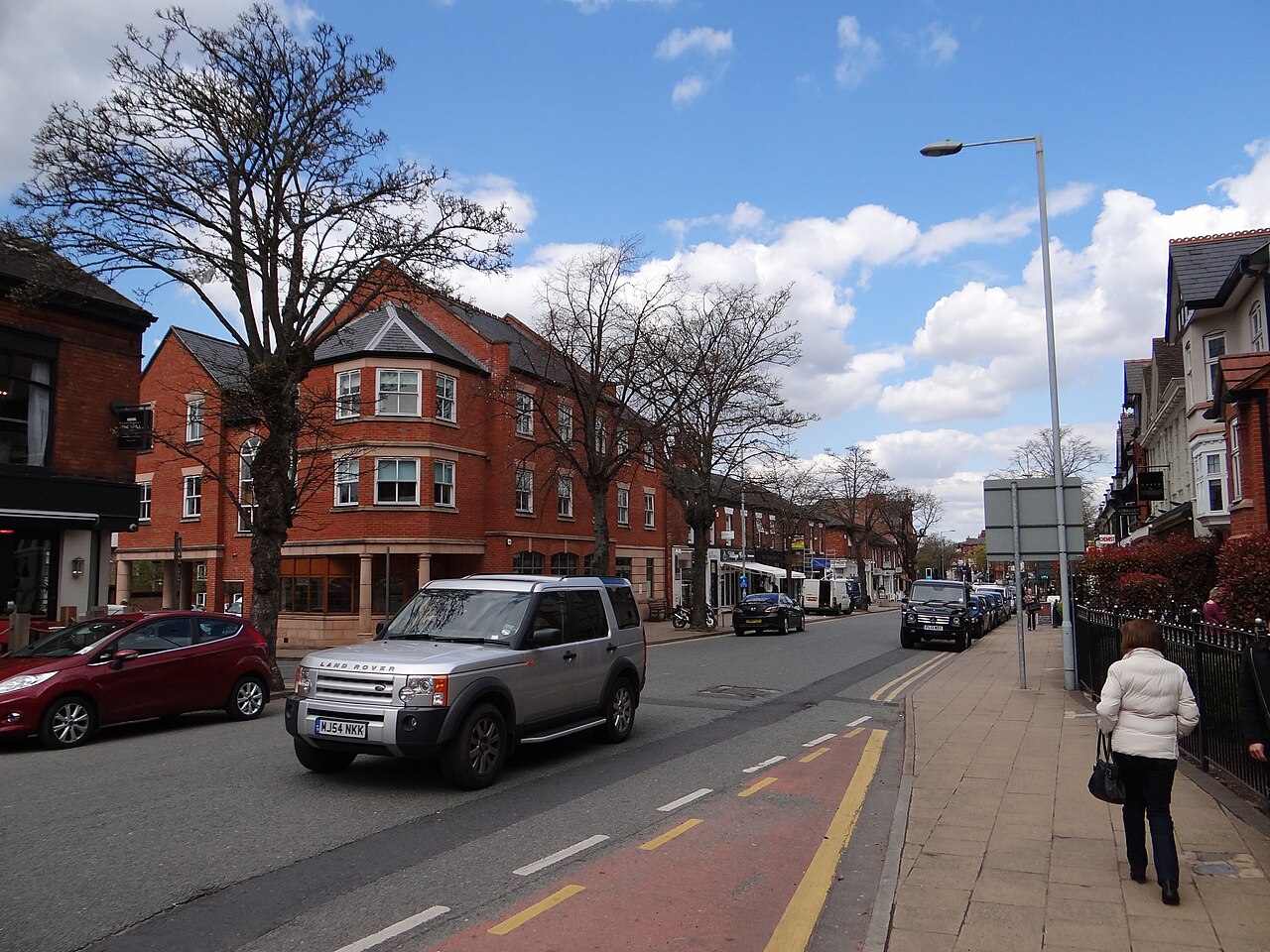
- Road side — driving on the left or right?
- Lines and signs — EU, US, Latin America, or Asia-style signage?
- Language/script — even partial letters matter.
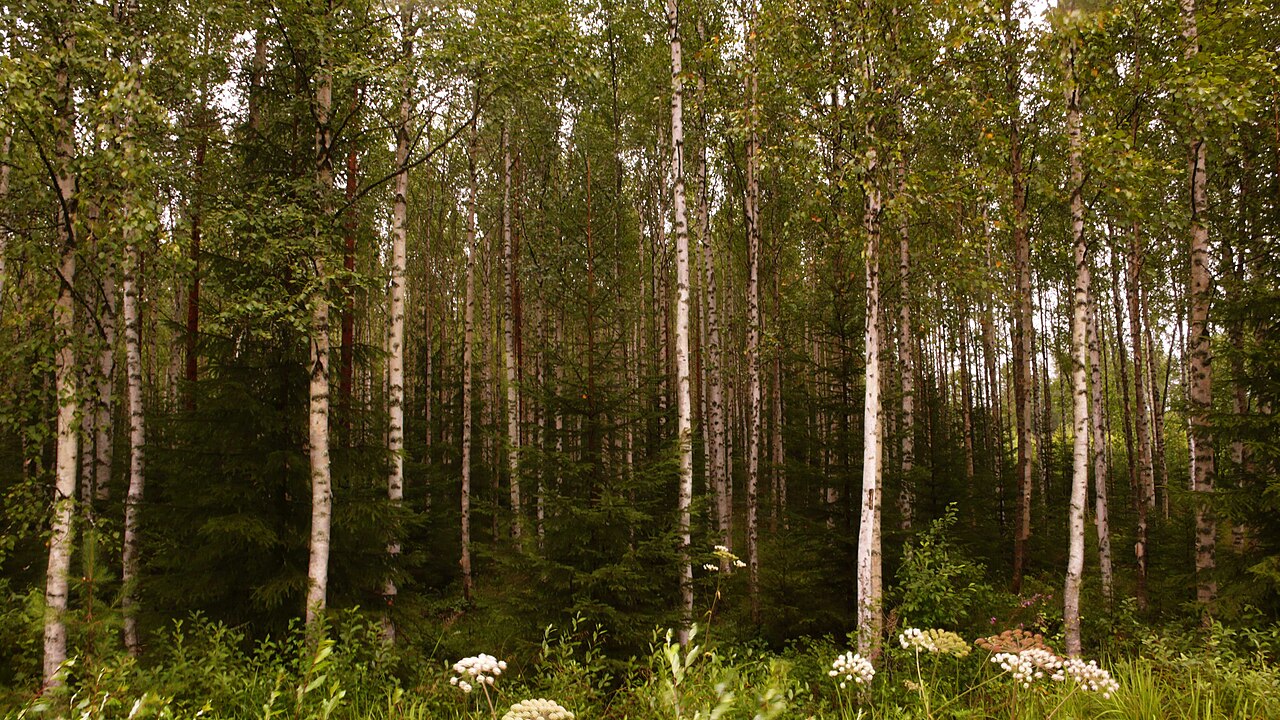
- Climate — tropical, desert, temperate, boreal, or alpine?
- Infrastructure — guardrails, poles, bollards, camera generation.
- Architecture — roof shape, wall material, urban density.
If you only remember one GeoGuessr help tip: narrow the continent before you hunt for the exact town.

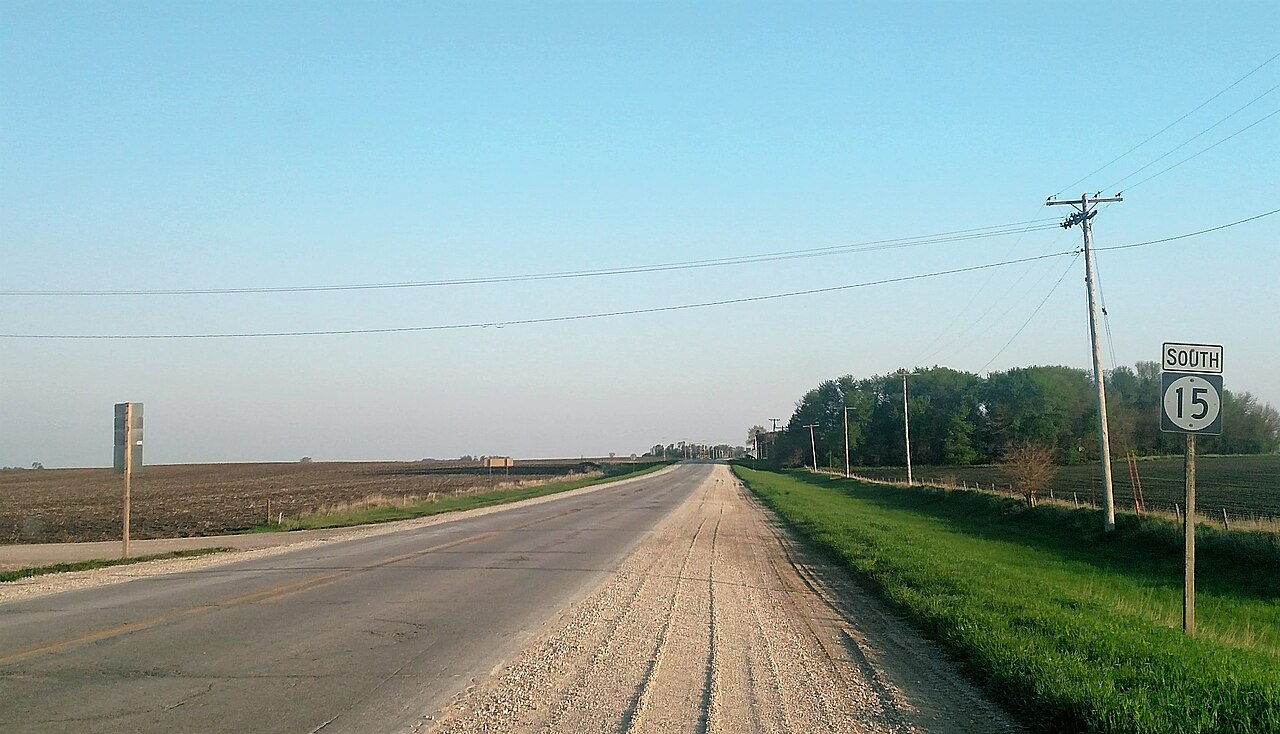
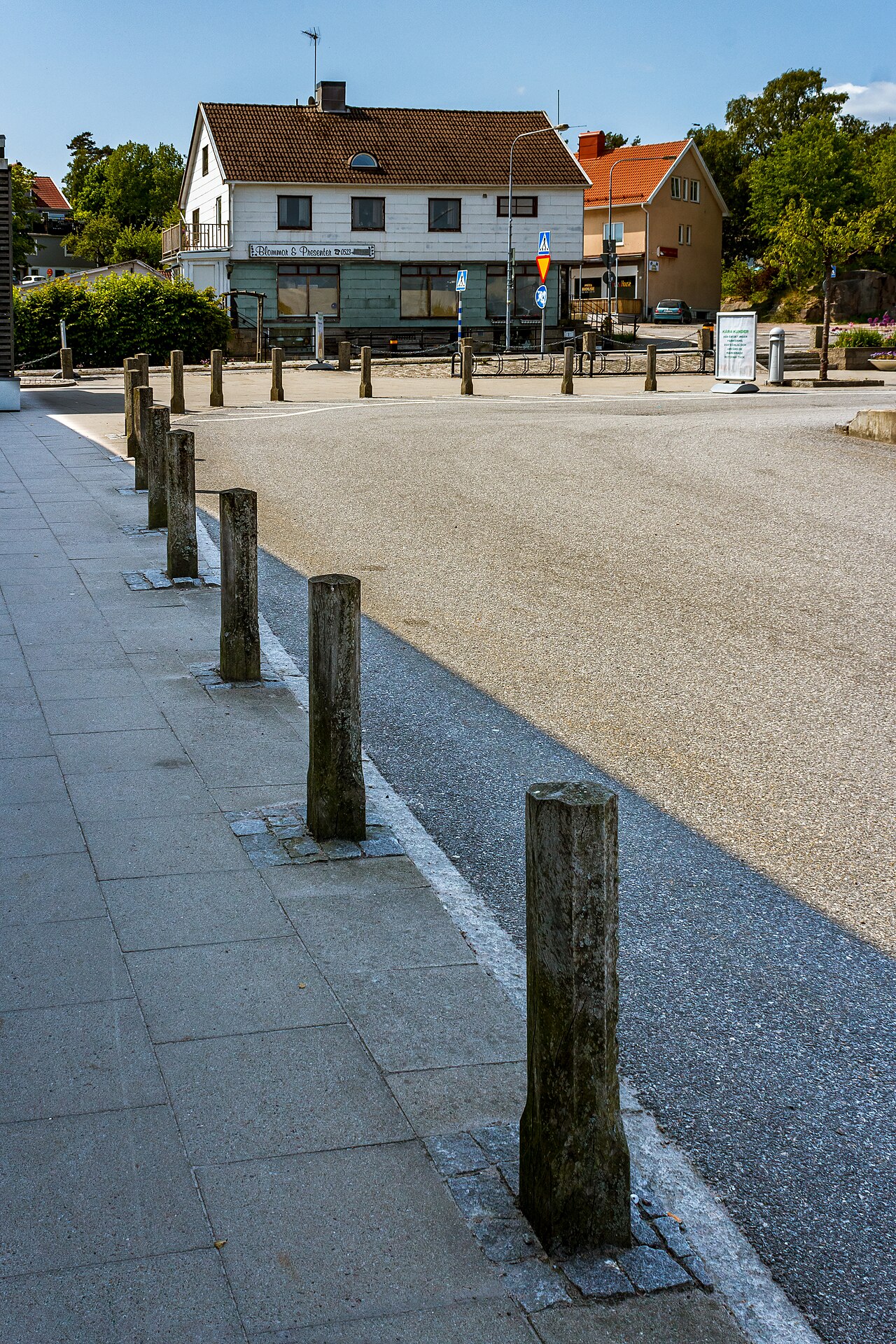
# Visual clues for each checklist item








# Why new players struggle
Most new players lose points because they:
- Guess randomly on the world map
- Focus on one clue instead of combining several
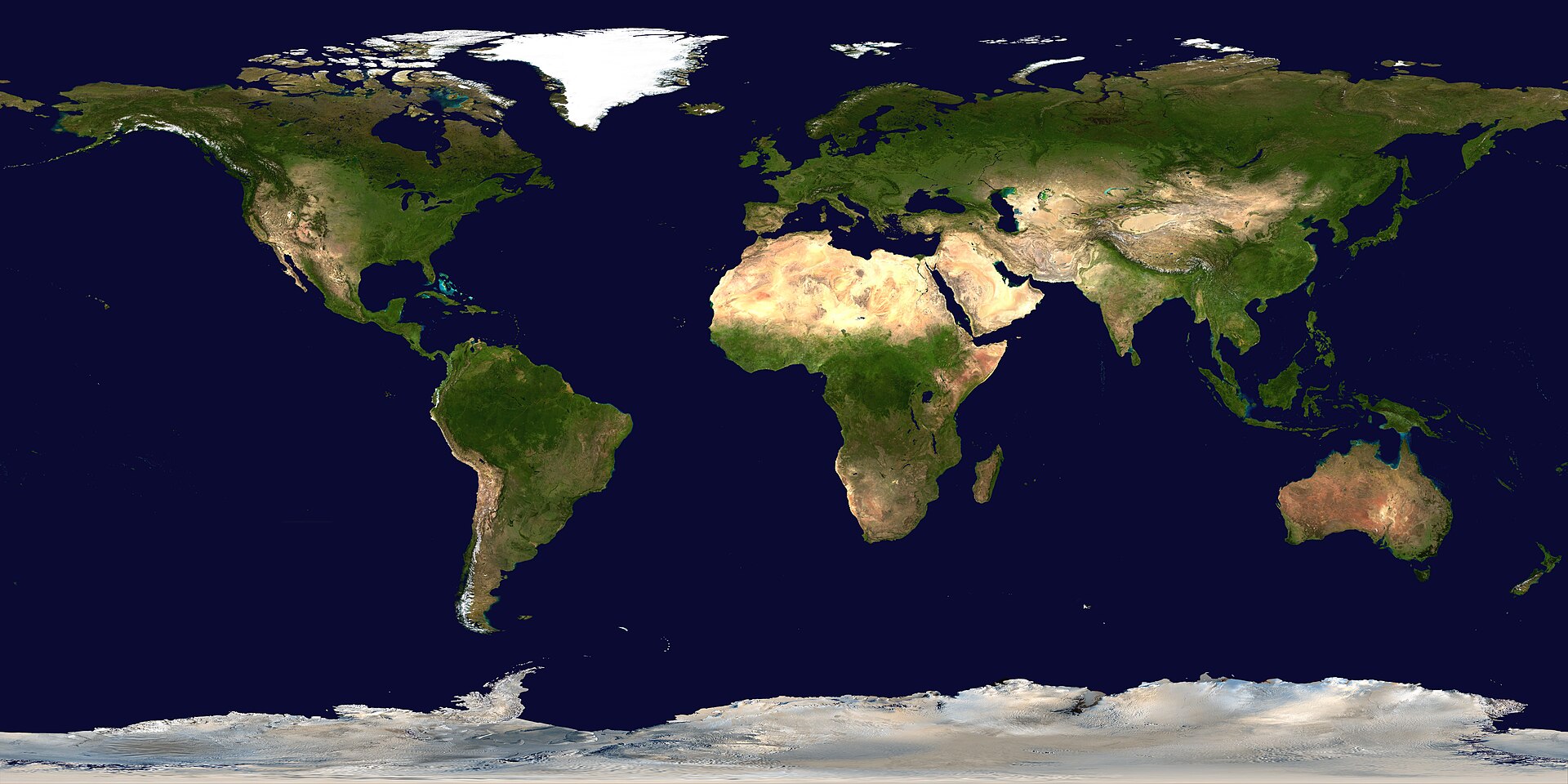
- Play world-only games before learning continent patterns
- Never review rounds after submitting a guess
GeoGuessr help is not about one magic trick. It is about building a repeatable search process.
# How to train GeoGuessr help topics by mode
| Problem | Training fix |
|---|---|
| Bad world guesses | Practice one continent at a time |
| Cannot read signs | Study script families and road line styles |
| Slow map placement | Drill quick regional pins before precise clicks |
| Same mistakes repeating | Review rounds and write down missed meta |
KnowYourGeo is designed for this kind of training: short focused rounds, map practice, and optional AI explanations after each scene.
# When to use AI for GeoGuessr help
AI coaching works best after you make a guess, not before. Try this flow:
- Scan the scene yourself for 30–60 seconds.
- Place your best guess on the map.
- Review the result and ask what clues you ignored.
- Use AI coaching to label architecture, language hints, and regional patterns.
That loop turns every round into a lesson instead of a blind guess.
# Free practice on KnowYourGeo
Use KnowYourGeo when you want GeoGuessr help you can actually apply:
- Beginner-friendly continent modes
- Custom country lists for weak regions
- AI-powered clue breakdowns for faster learning
Start with one weak continent, play ten rounds, and review every miss. That is the simplest reliable improvement plan.


.svg)


